Case Study Slider
The designer's morgue file
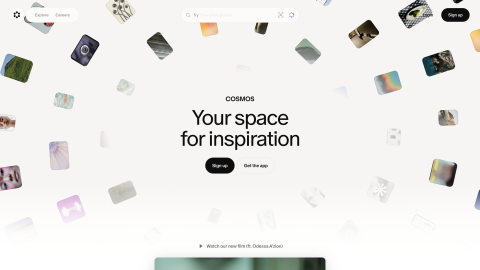
Every screenshot, palette and typeface you have ever collected — searchable by color, font or tag the moment you need it.
Morgue pulls the palette out of every screenshot the moment you save it. Type a hex, or click a swatch, and the whole library narrows to the things that actually contain it.
Case Study Slider
Fable — Hero
Duna — Hero
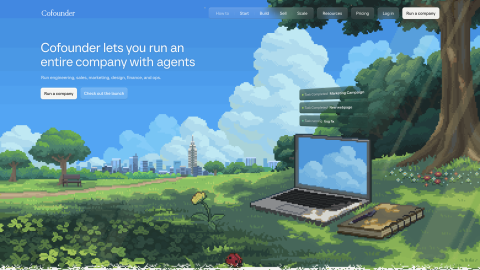
Cofounder — Hero
Three steps. Then forget about it.
Click the extension on any page — screen, full page, or a region. It lands in Morgue with fonts and colors attached.
Tag it, drop it in a folder, or pull it onto a board. Search later by name, color, font, or the site it came from.
Build moodboards, export palettes and boards, and find that one reference from three months ago in seconds.
Point an AI tool at Morgue and your whole library opens up to it — searchable by color, tag or the words inside an image, with the real reference attached.
Save it. Then put it to work.
Morgue isn't a folder of forgotten screenshots. It pulls the colors and fonts out of everything you save, makes it all searchable, and turns it into boards, palettes, and pairings you'll actually use.
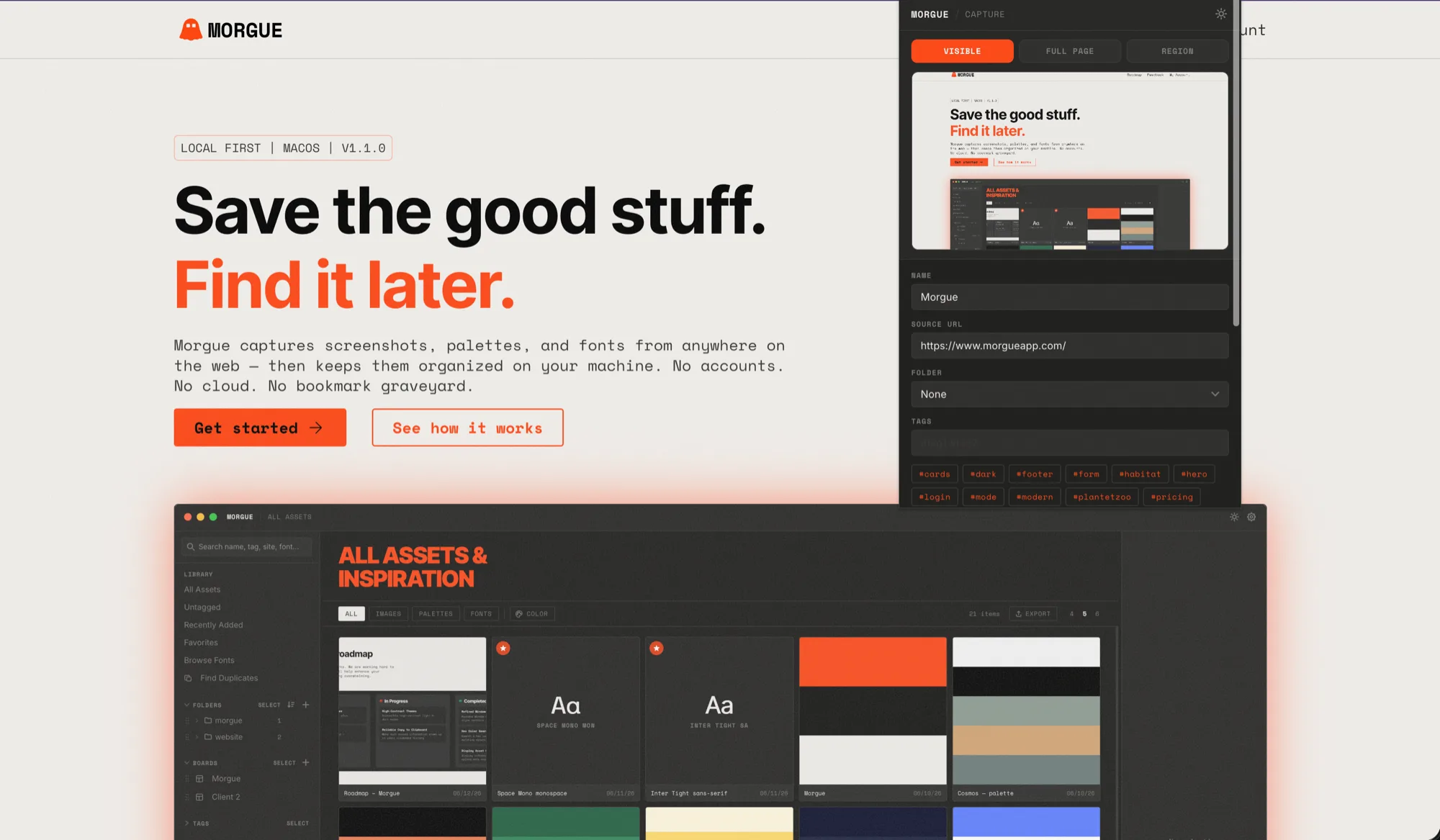
Visible screen, full page, or a dragged region — hit the extension and it lands in Morgue. No download-rename-lose-it dance.
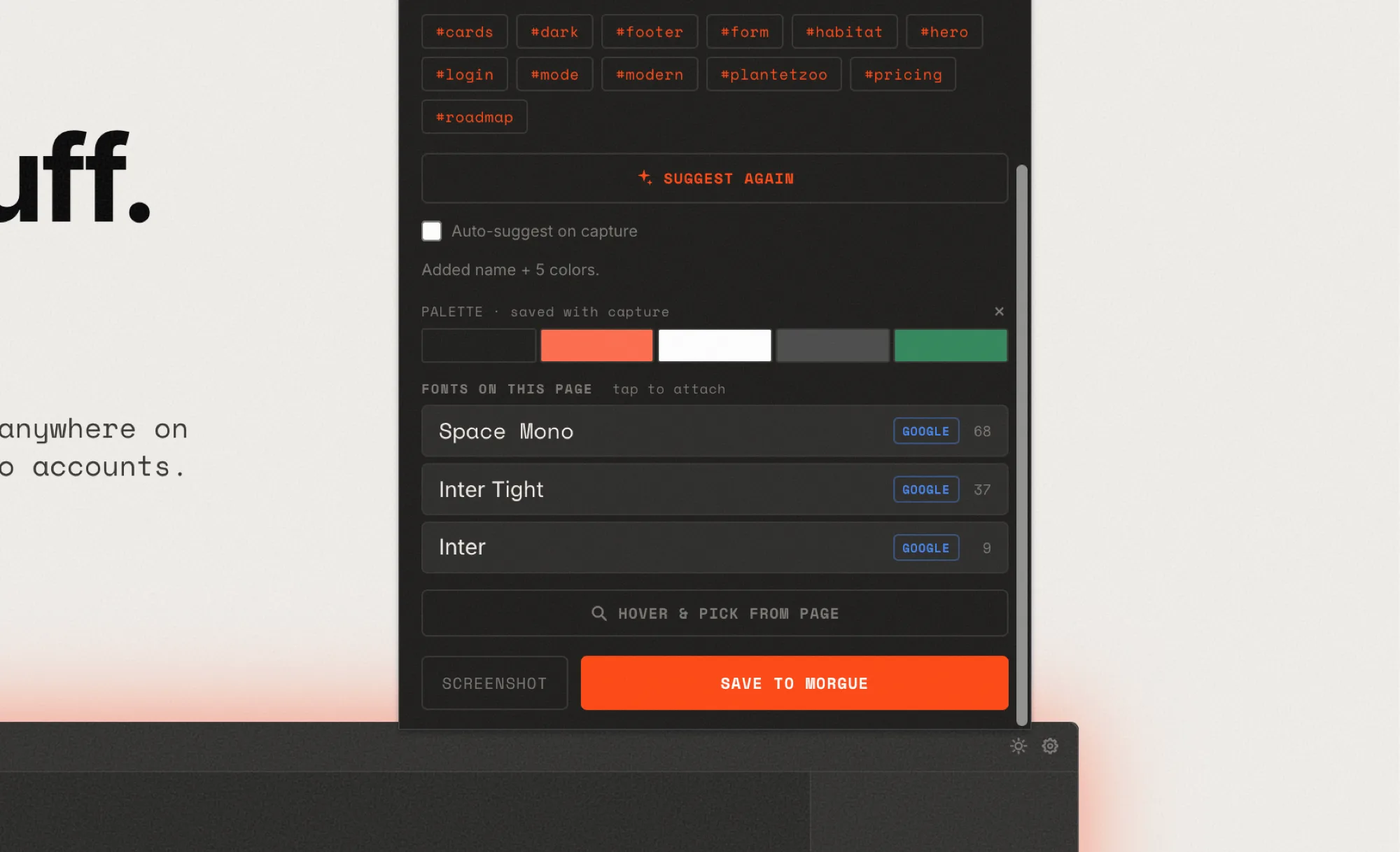
Morgue lifts the palette and typefaces straight off the page, so a screenshot isn't just a picture — it's the colors and fonts behind it, ready to reuse.
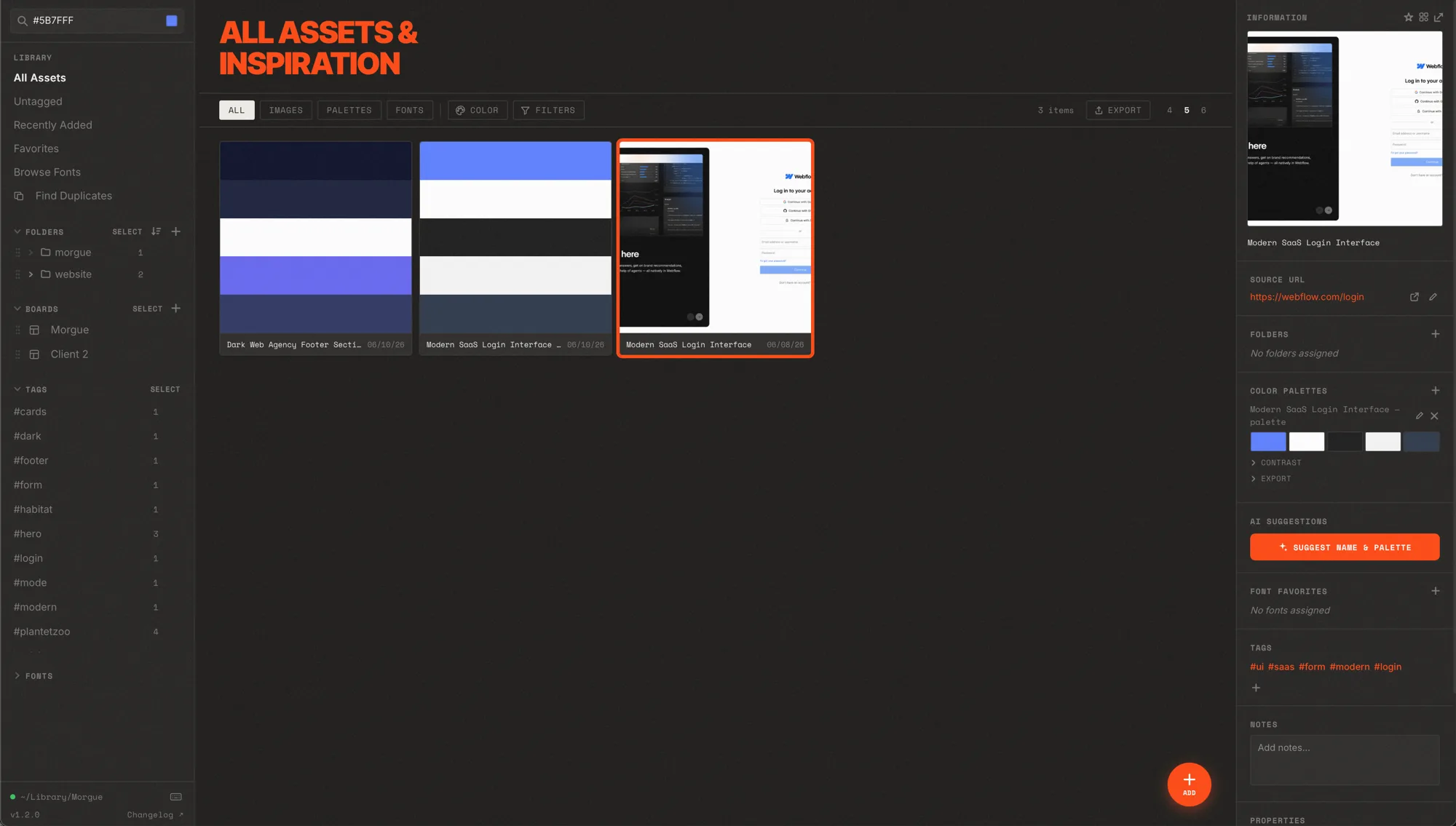
Type a hex code — or click a swatch — and Morgue surfaces every asset and palette using that color. The reference you only remember by its blue, found in seconds.
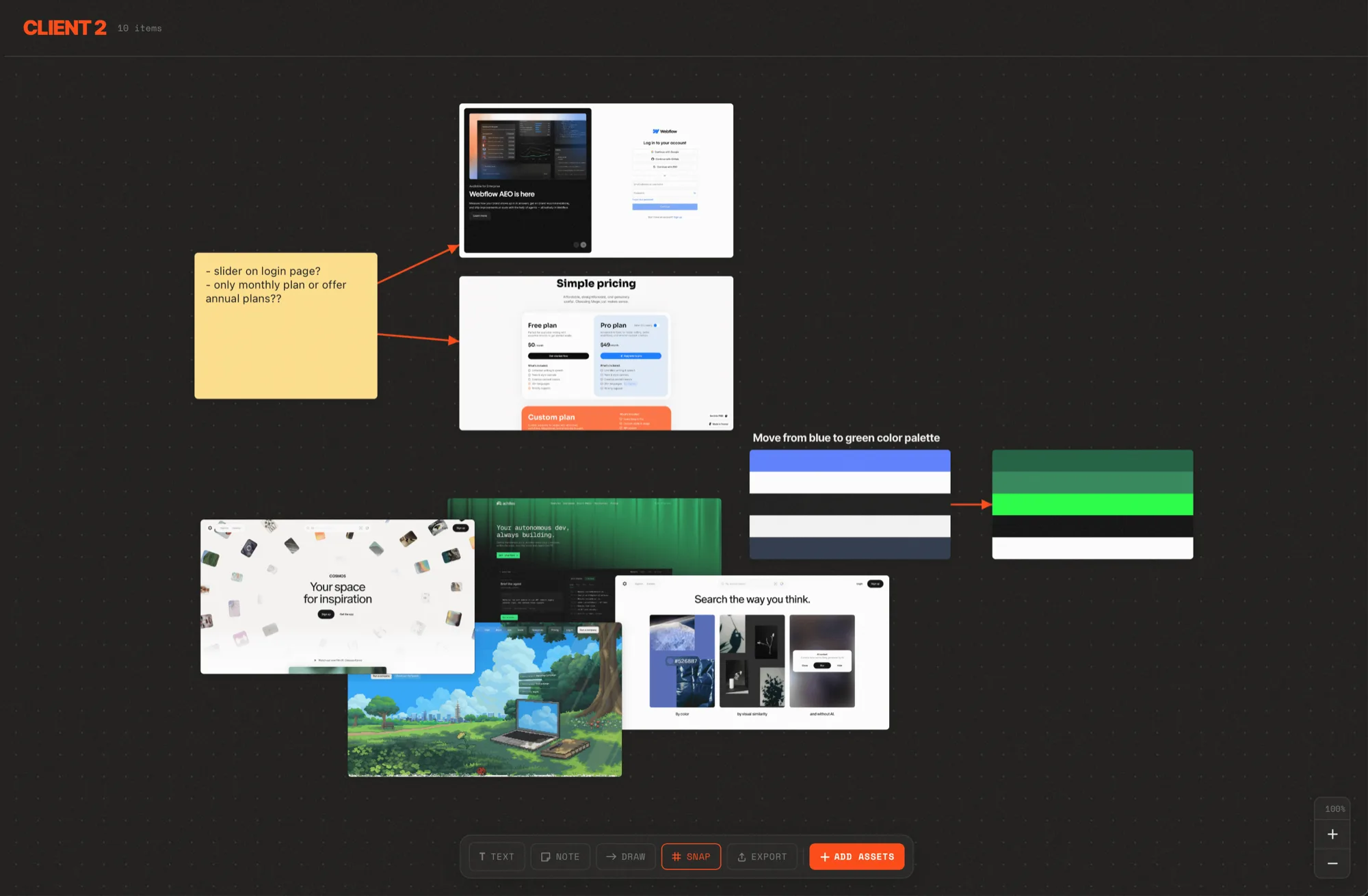
Drag references onto a freeform board, add notes and connectors, and shape the direction. Start blank or from a template.
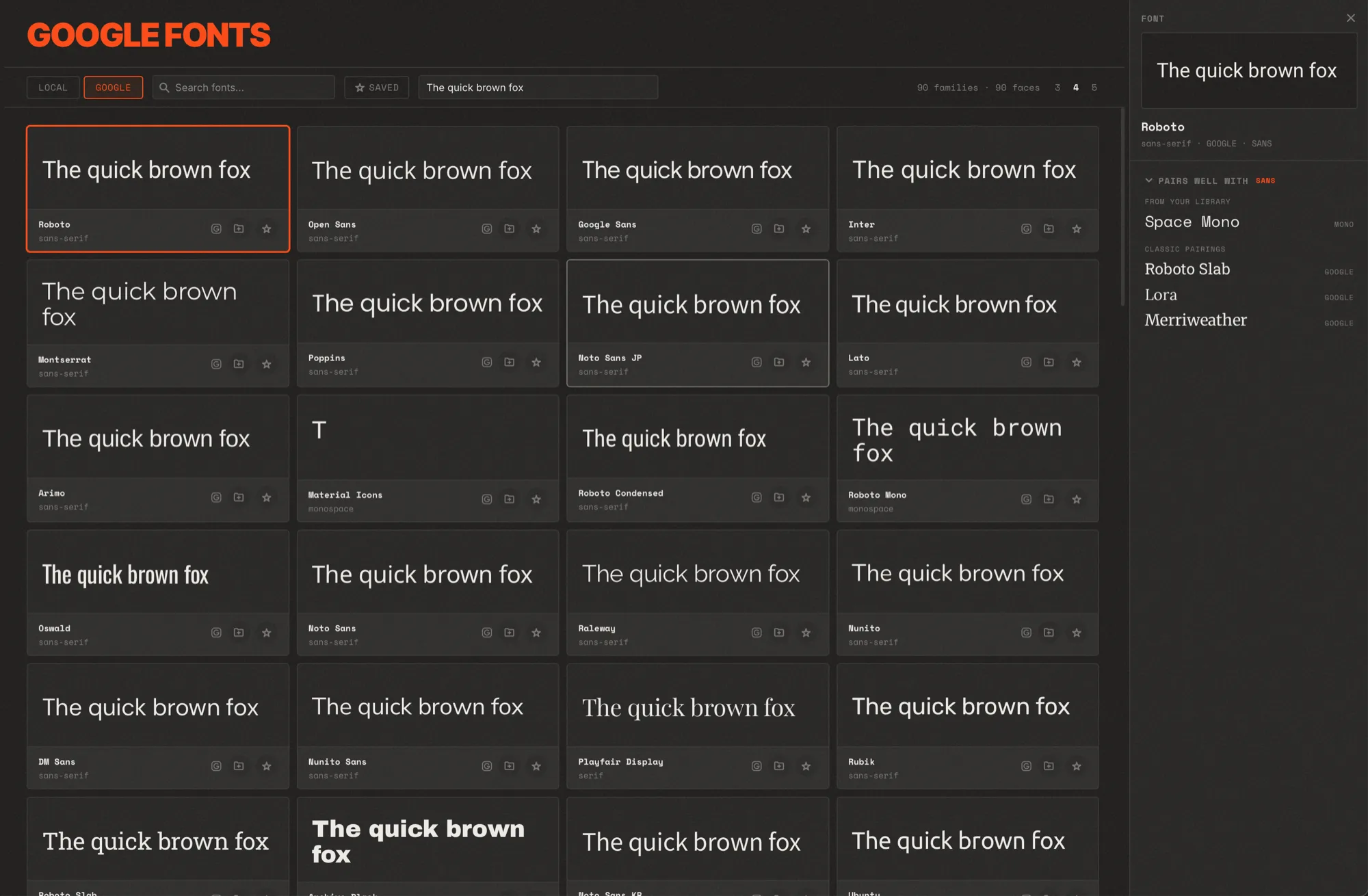
Browse your local fonts and the full Google library, preview in the real typeface, and get complementary pairing suggestions for any font.
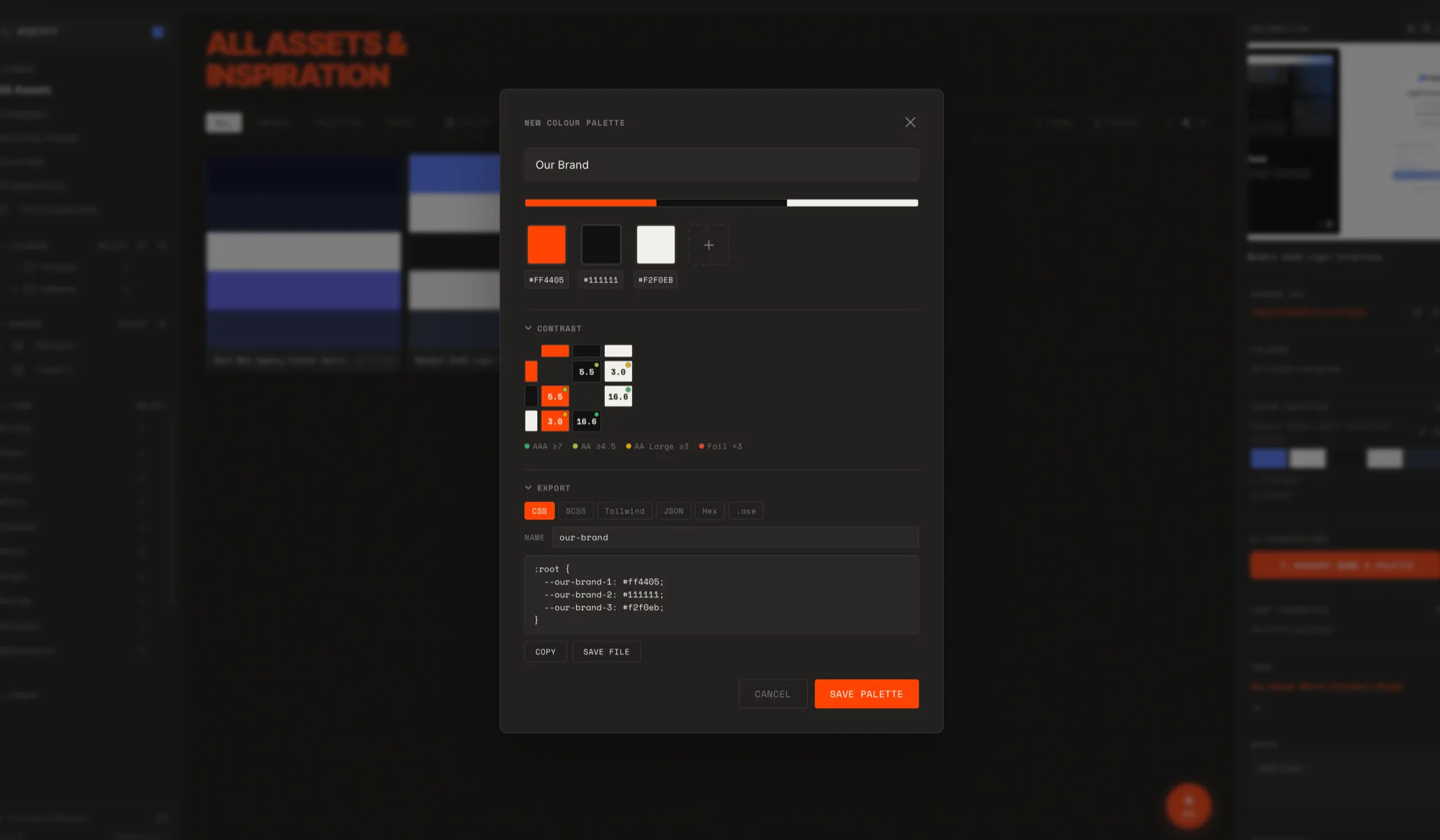
Build or extract palettes, check WCAG contrast between any two colors, then export as CSS variables, Tailwind, JSON, or an Adobe .ase swatch.
Simple pricing. No subscriptions.
A license unlocks every feature on your devices — no subscription, no renewals. Not for you? You've got 14 days for a full refund, no questions asked.
$30ONE-TIME
Lifetime license + every update, for the people who showed up first.
$15ONE-TIME
For one designer across their own machines.
$40ONE-TIME
For a team sharing a reference library.
You have questions. We have the answers.
Yes. Morgue is local-first: everything you save lives on your Mac, in your own library folder. There's no account, no cloud sync, and no telemetry — nothing is uploaded anywhere. You can use it fully offline.
Truly one-time. Every plan includes lifetime updates — you pay once and get every future version at no extra cost, forever. No subscription, no upgrade fees, and the app is yours to keep.
Every plan unlocks every feature and includes lifetime updates. They differ only in how many devices the license covers and the level of support: Freelancer — 3 devices, email support, for one designer. Studio — 15 devices, priority support, for teams sharing a library. Early Bird — 15 devices, email support, at a lower price — our thank-you to the first supporters.
No. You activate with your license key — no sign-up, and no email required to use the app.
Web captures — the visible area, a full page, or a dragged region — each arriving with its fonts and colors automatically extracted, plus images, video, and PDFs you import yourself. Videos and PDFs get an auto-generated thumbnail and open in the viewer.
For one-click web capture, yes — the free Morgue extension for Chrome and Chromium browsers (Arc, Edge, Brave). You can also drag in or import files directly without it.
macOS 12 Monterey or later, on both Apple Silicon and Intel. Morgue is Apple-signed and notarized, so it installs cleanly with no security warnings.
Yes. Your plan covers multiple devices, and you can deactivate a device to free up a slot when you replace or sell a Mac.
Never locked in. Your library is plain files on your disk, and you can export palettes, boards, and galleries anytime. It's your data, in your hands.
Only if you want it to. AI features like suggesting a name and palette are optional and bring-your-own-key — Morgue works fully without them, and nothing is sent anywhere unless you opt in with your own key.
Point your Morgue library at a shared or synced folder — Dropbox, Google Drive, or iCloud Drive — and everyone on the Studio license works from the same references.
Actively. Check the roadmap for what's coming and the changelog for what's already shipped.
Not for you? Email us within 14 days of purchase for a full refund — no questions asked.
A note from the maker · Made by someone with the same problem.
I'm a developer and designer, and for years my references lived everywhere — screenshots buried in folders, Pinterest boards I never reopened, thousands of bookmarks I'd never find again. The good stuff was basically gone the moment I saved it.
So I built the tool I actually wanted: one place that grabs a screenshot with its real colors and fonts attached, keeps everything on my own machine, and lets me find it again three months later in seconds.
Morgue is one-time, local-first, and independent — no subscriptions, no cloud holding your library hostage. A few meaningful updates a year — not features for the sake of a changelog.
— Evan | Founder of Morgue

